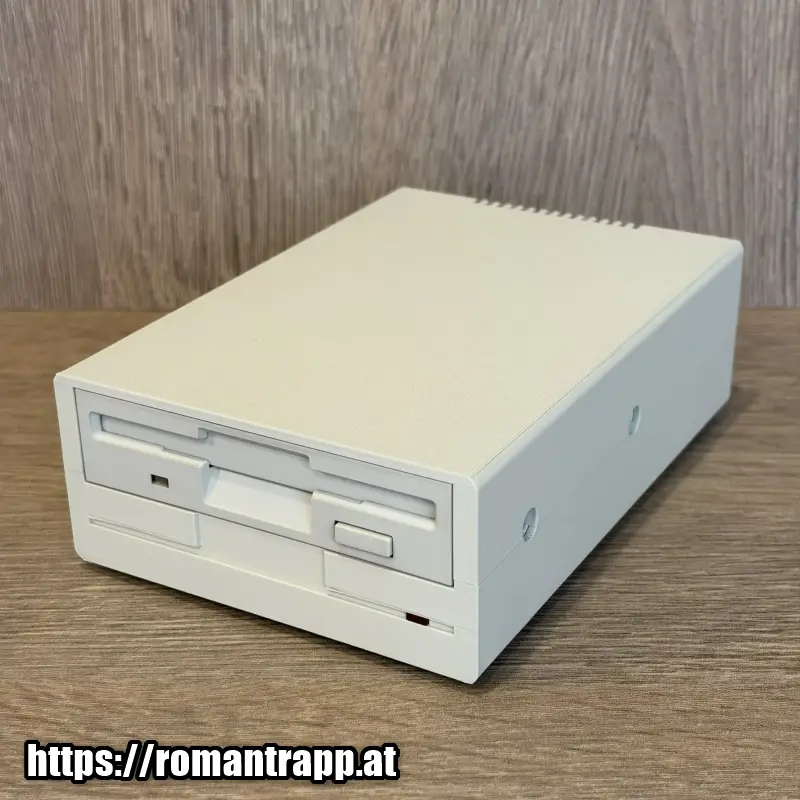
The Greaseweazle is the ultimate bridge between modern hardware and vintage floppy disks. As a specialized USB controller, it allows you to connect original floppy drives directly to any modern PC. Instead of just reading standard files, the Greaseweazle analyzes and writes the magnetic tracks of a disk at the lowest level (flux level). This makes it possible to accurately backup, archive, and rewrite even copy-protected or degraded Amiga disks as ADF images.
Hardware Setup
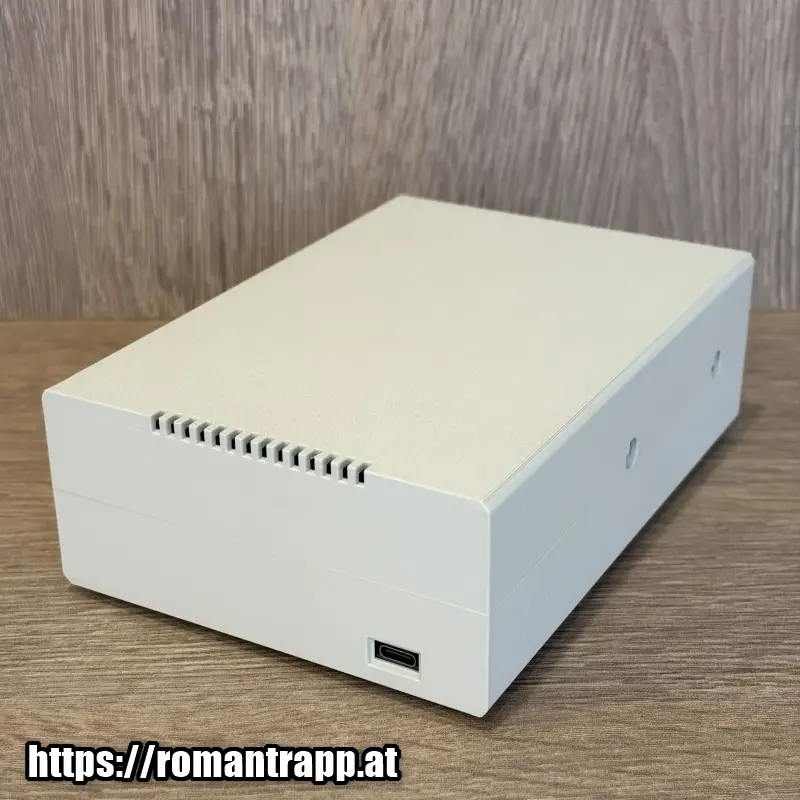
The Greaseweazle floppy disk drive consists of the following components:
- 3D-printed case designed by Tom Dalby
- Greaseweazle v4.1 board
- 3.5-inch floppy disk drive
- Floppy data cable
- Floppy power cable
- Power-LED
Software
To use the Greaseweazle hardware, you will need one of the following software tools:
Greaseweazle Host Tool
Software-Installation: https://github.com/keirf/greaseweazle/wiki/Software-Installation
Download: https://github.com/keirf/greaseweazle/wiki/Download-Host-Tools
Tutorial: https://github.com/keirf/greaseweazle/wiki/Yann-Serra-Tutorial
Examples:
For my Greaseweazle, it is necessary to use the parameter: --drive=b
Read an Amiga floppy disk:
gw read --format=amiga.amigados --drive=b MyAmigaDisk.adf
Writing an ADF File to an Amiga Floppy Disk:
gw write --format=amiga.amigados --drive=b MyAmigaDisk.adf
After installing the Greaseweazle command-line tools, you may be interested in a Windows GUI wrapper. There are two available, maintained by third parties:
- FluxMyFluffyFloppy (Frank Bopple)
- GreaseweazleGUI (Don Mankin)
FluxMyFluffyFloppy
Link: https://github.com/FrankieTheFluff/FluxMyFluffyFloppy
Web: https://github.com/FrankieTheFluff
Wiki: https://github.com/FrankieTheFluff/FluxMyFluffyFloppy/wiki
GreaseweazleGUI
Link: https://desertsagesolutions.com/greaseweazlegui/
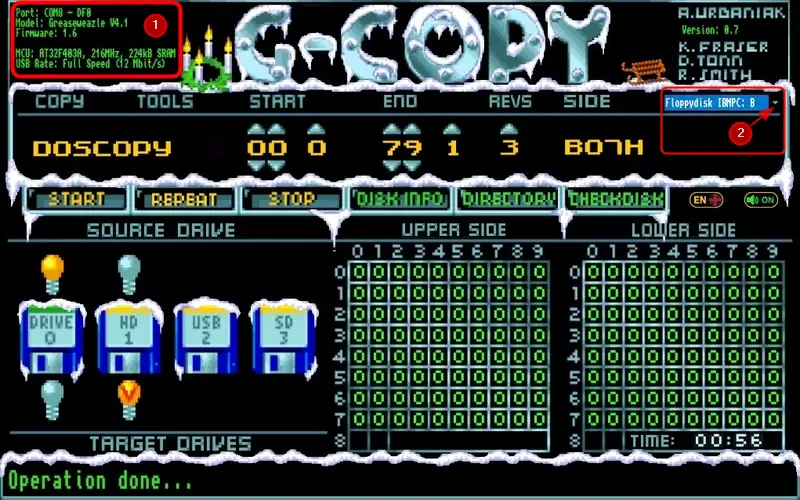
G-Copy
Setting:

- Click to (1) for searching the Greaseweazle Hardware
- Click to (2) to set: Floppydisk IBMPC: B
The rest should be self-explanatory.
Other tools I haven’t tested yet:
HxC Floppy Emulator toolkit
https://github.com/jfdelnero/HxCFloppyEmulator
FluxEngine
https://github.com/davidgiven/fluxengine
https://cowlark.com/fluxengine/doc/greaseweazle.html
X-Copy
The original ones are on the official website: https://jope.fi/xcopy/masterdisk.html
Schreibe einen Kommentar